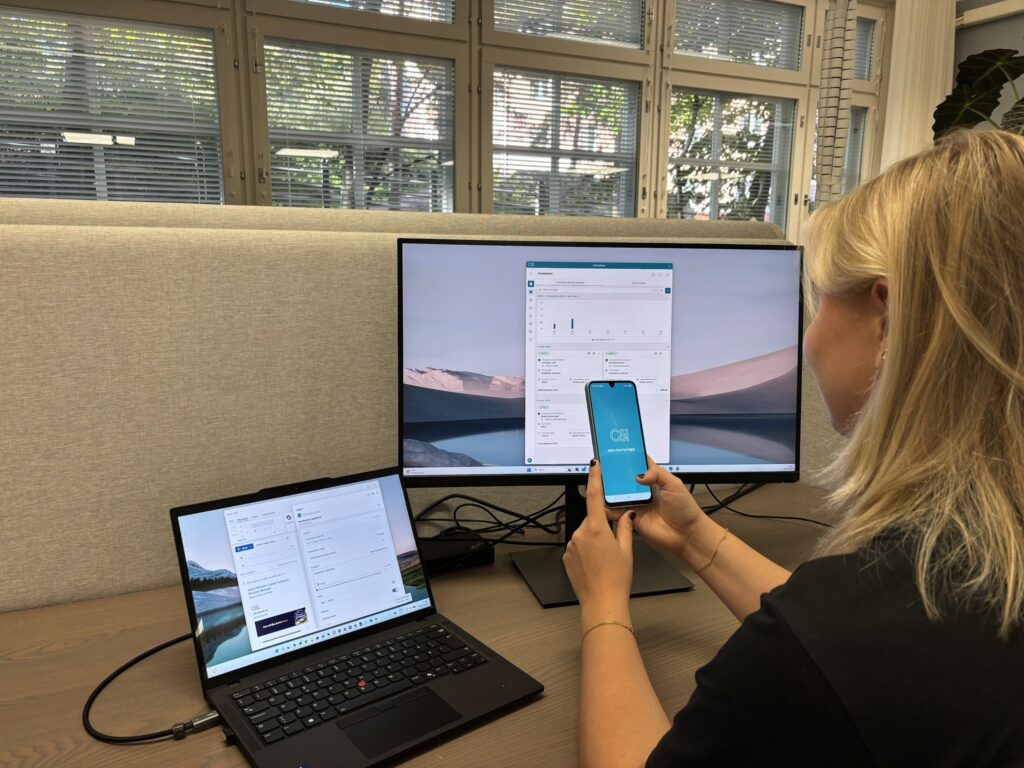
Manage Your Workday More Efficiently
Our modern applications keep your tasks, matters, and time entries with you wherever you work.
Mobile, Outlook or desktop?
Choose the interface that best fits the way you work. Whether you’re using a mobile device, Outlook, or the compact desktop application, your information stays automatically synchronized across all applications and CSI software.
For example, you can:
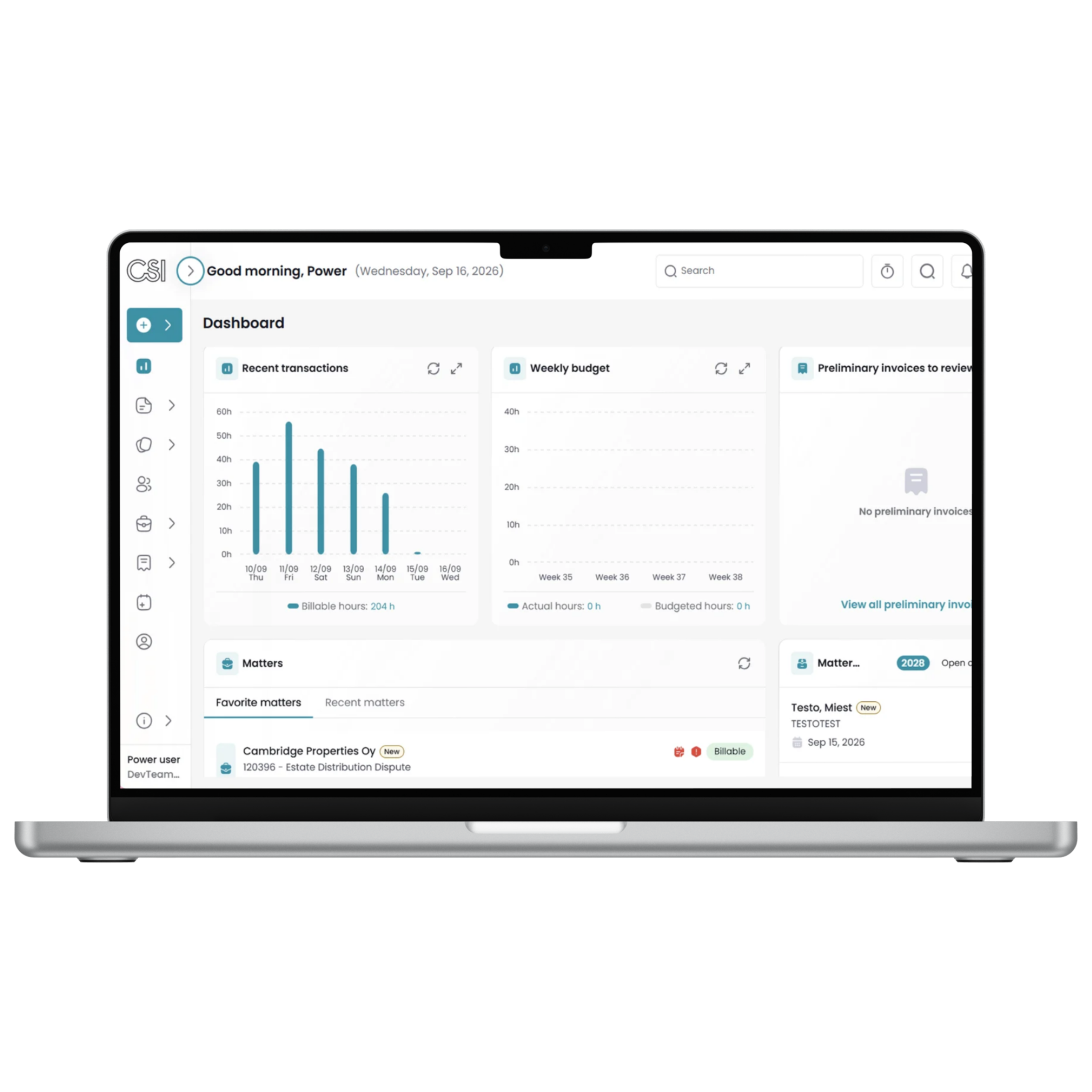
- Track your work and performance through an intuitive dashboard
- Record time entries using a timer, timesheet, or other convenient tools
- Manage tasks, critical tasks, and work time entries
- Access customer and matter information
- Perform conflict checks and create matter requests
- Create and review preliminary invoices
- Receive notifications about tasks, new matters, and other important events
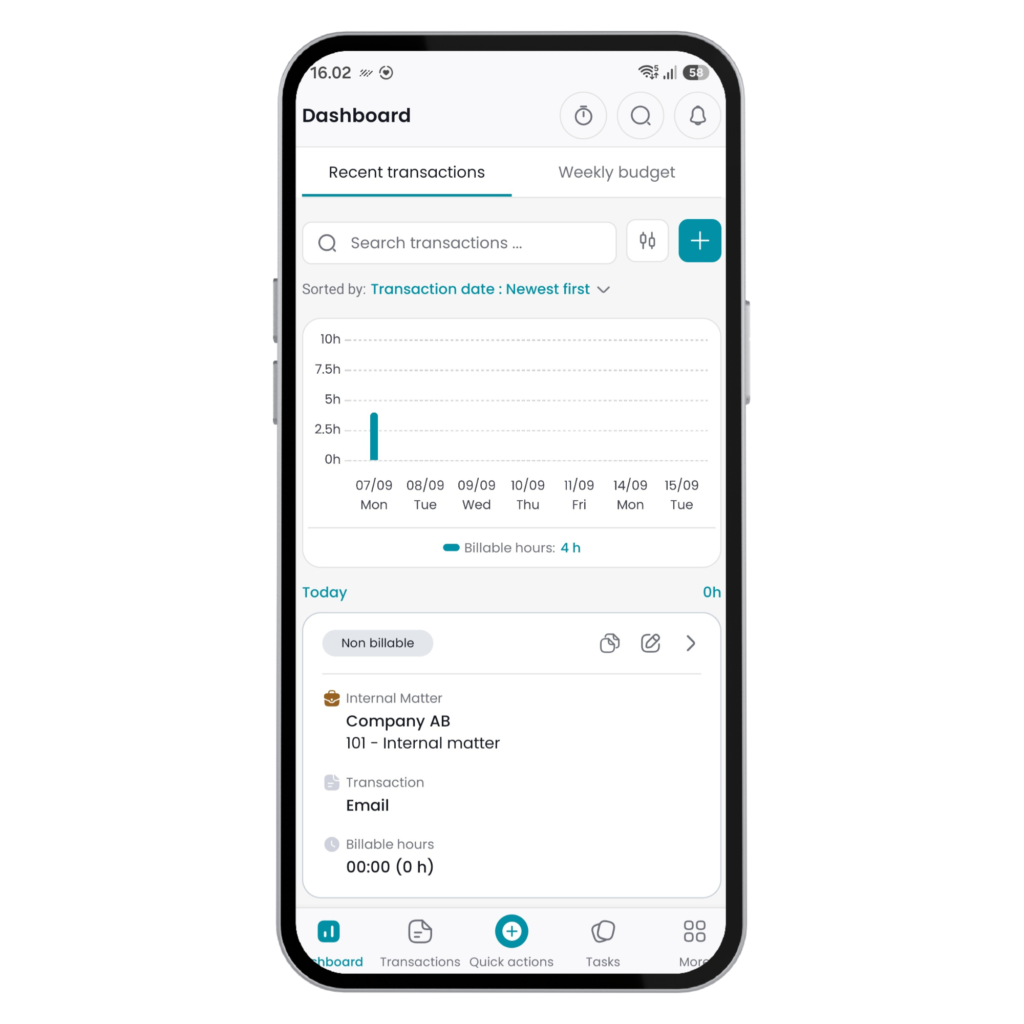
CSI MyMobile
For professionals on the move
- Take CSI’s key features with you wherever you go
- Record your work immediately after meetings or calls and easily access information on your phone or tablet
- Available for iOS and Android
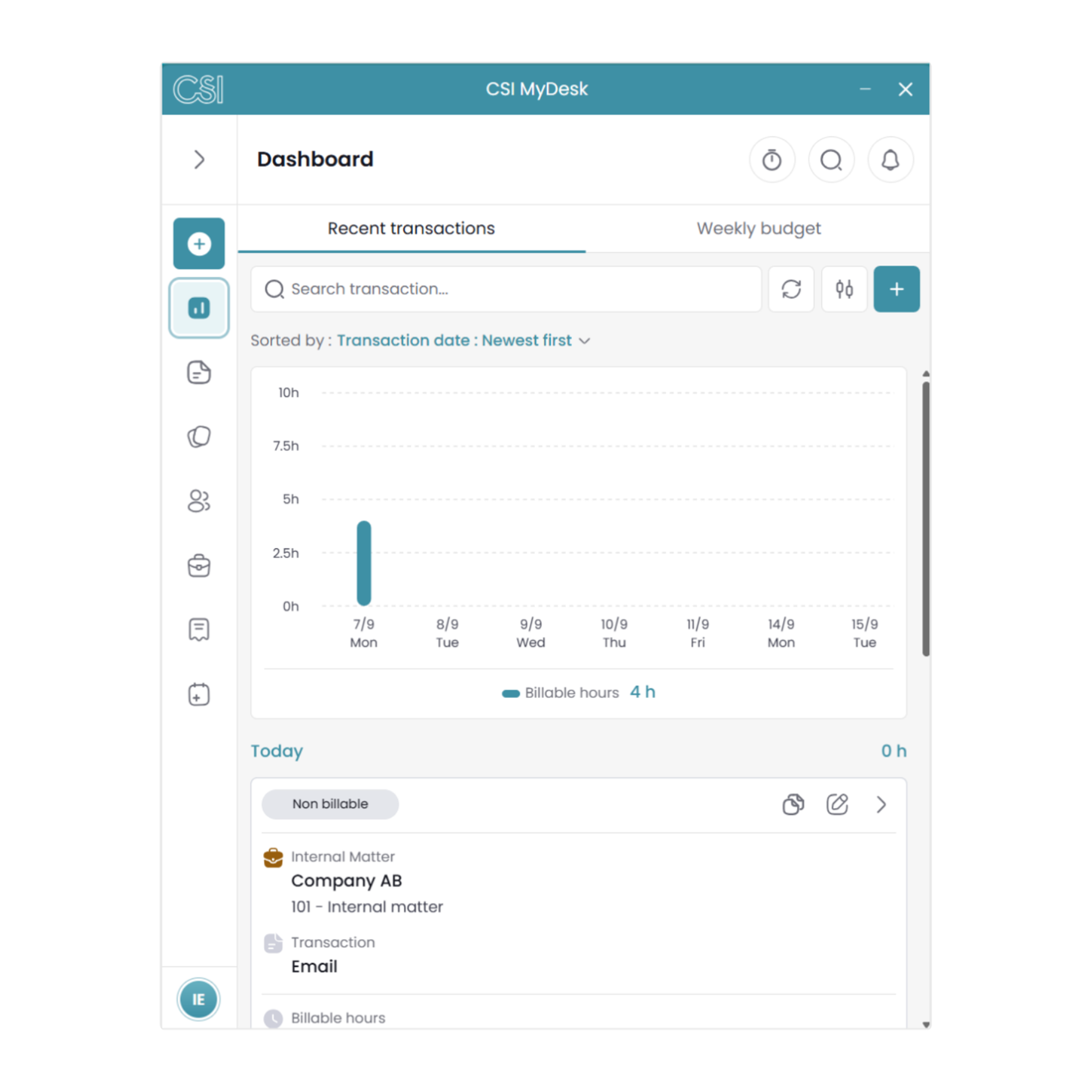
CSI MyDesk
Streamlining everyday work
- Access information and record your work without opening the CSI software
- Customize the application’s size and layout to suit your preferences
- Available for Windows and Mac
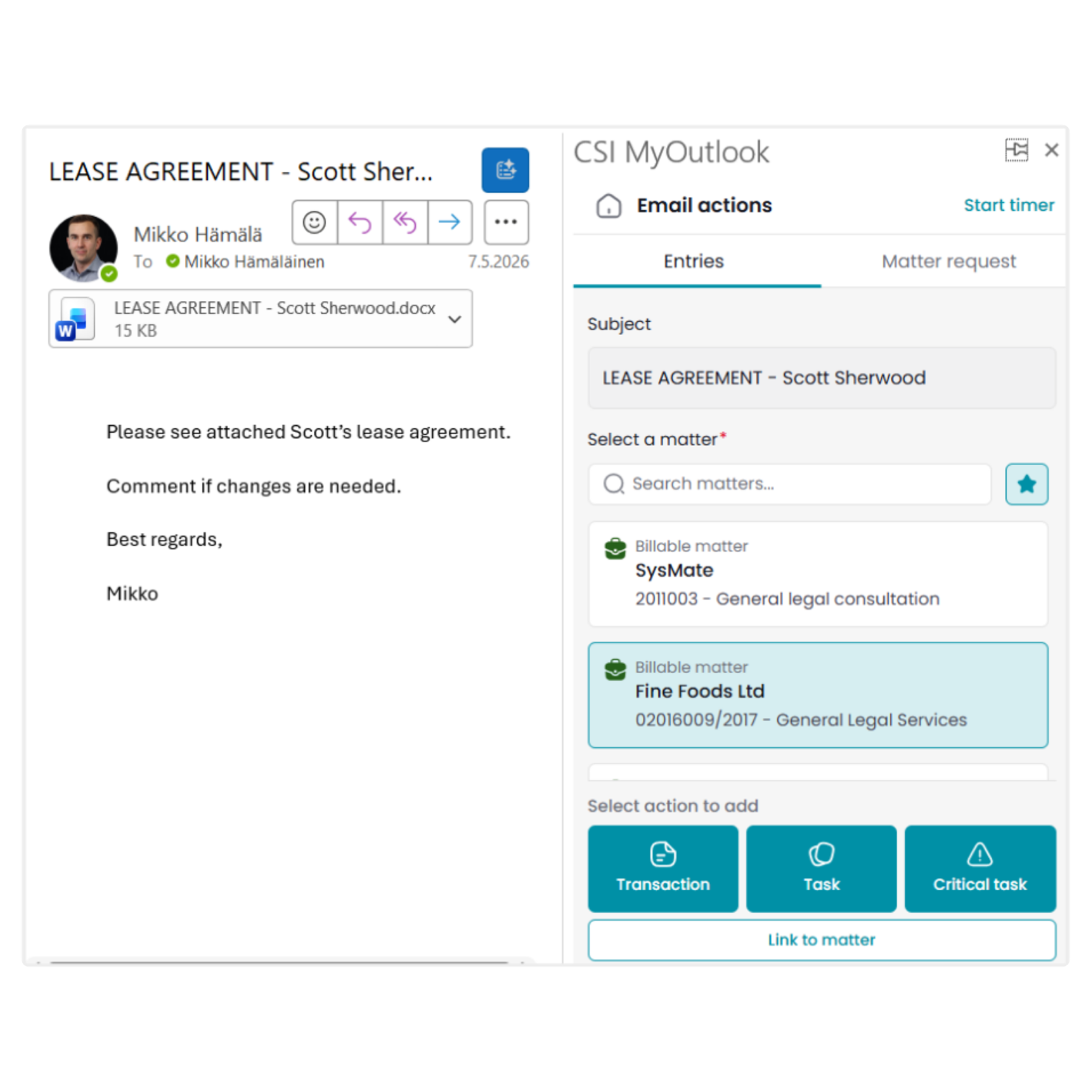
CSI MyOutlook
CSI integrated into Outlook
- Work with CSI directly in Outlook
- Record time entries, tasks, and matter requests from emails and calendar events
- Available in Outlook for desktop and web
CSI MyWeb (Q426)
CSI, anywhere you have a browser
- Access CSI functionality directly from your web browser
- The app will continue to evolve, with new features and capabilities added over time
- Available on Windows and Mac
Get Started with the Applications at No Additional Cost
Our new applications are included in your CSI software fees, allowing you to take advantage of them without any additional licenses or extra costs.
The applications work seamlessly and securely with your company’s CSI database through the CSI API. Deployment is quick and straightforward, especially for our cloud customers. Visit our support site for setup instructions and contact our customer support team. We’ll help you get up and running in no time.